Dub Delay · Audio Effect
DeepDub
Dub delay that can stay clean, get dirty, or spiral into space.
50% OFF
- Version
- 1.0.4
- Formats
- AU, VST3
- Platforms
- macOS & Windows
- Updates
- Free, for life
Instant download · no licence key · free updates
Listen: 5 demos
Tap a pad to listen. Nothing loads until you do.
RATHOUND DP-8
DeepDub
How To: DeepDub in 3:00
All how-to videos →RATHOUND TV
How-to + trailer
CH Jump to a part
Captions are burned in, so it works with the sound off.
Overview
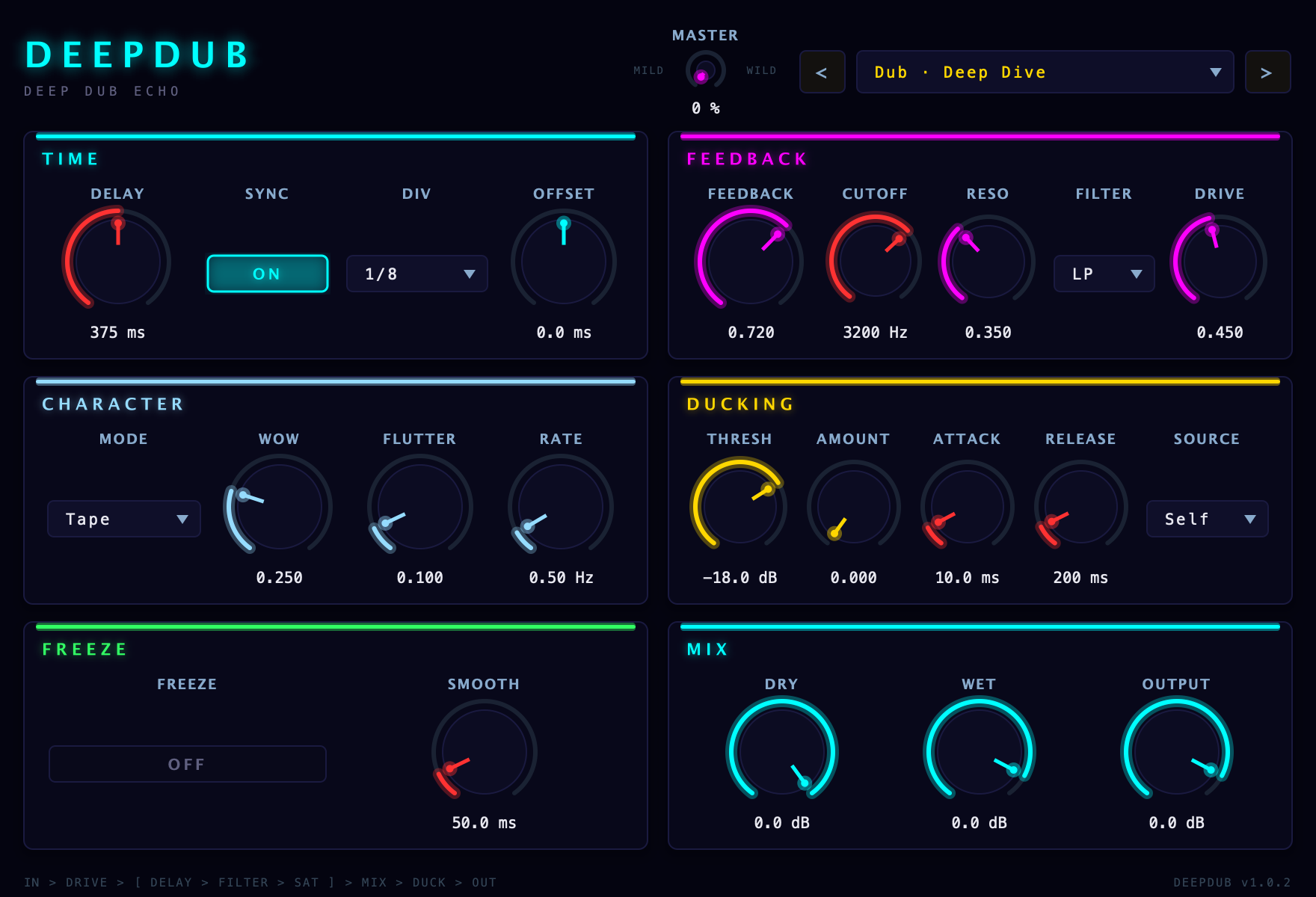
DeepDub is for echoes that actually have a vibe. Pick Tape for warmth, BBD for grit, or Digital when you want it cleaner, then sync it to the session or run it free. The feedback path has a filter inside it, so the repeats keep changing instead of just stacking up. Saturation keeps the wild settings musical, ducking keeps the dry hit from getting buried, and Freeze lets you hold tails without clicks. One Master knob sweeps feedback, drive, resonance, wow, flutter and the filter together from mild to wild, and turning it back to zero returns the preset untouched. It is rooted in dub, but it works just as well on drums, vocals, synths, bass music, techno, and hip-hop.
Features
- Tape, BBD, and Digital delay modes
- Tempo sync plus free-running delay mode
- Freeze gate with smooth, click-free holds
- Filter inside the feedback loop
- Ducking keeps echoes out of the way, keyed from the input or a sidechain
- One Master knob sweeps the whole echo from mild to wild
- Wow/flutter and saturation for movement
- 32 factory presets in 7 categories, every parameter host-automatable
DIR DeepDub specs
- 01TypeStereo delay / echo effect
- 02FormatsAU, VST3
- 03Presets32 factory presets
- 04PlatformsmacOS & Windows
v1.0.4 · AU · VST3
New here? The install guide walks through AU / VST3 setup on Mac and Windows.
Same shelf: Process, chop, move and transition
All plug-ins →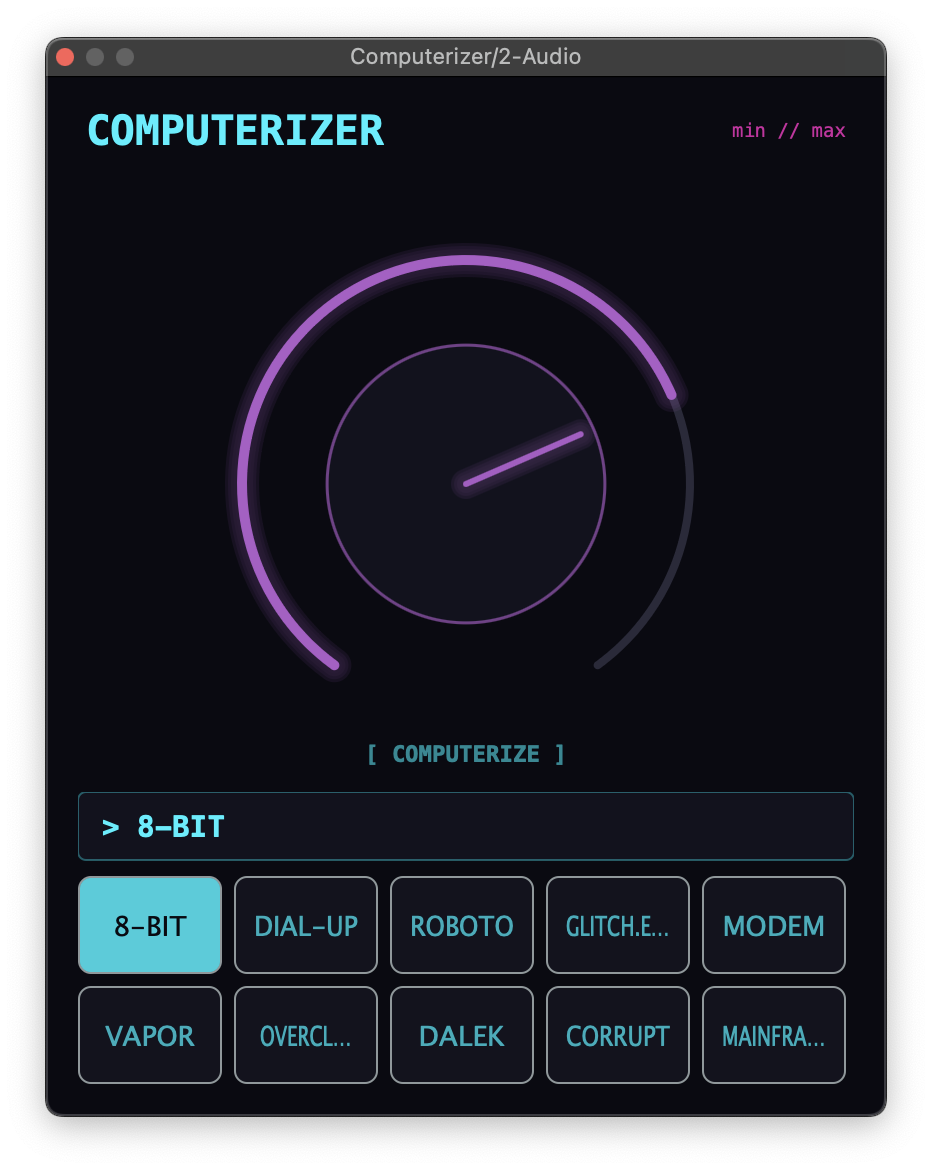 Computerizer gives you thirty digital-flavored effects in one simple plugin, and you can stack up to three at once. Choose your flavors, turn Amount, and go from light lo-fi texture to chopped-up robotic glitch.$14.50$29VIEW →Vocal Chopper · InstrumentThe Choppa
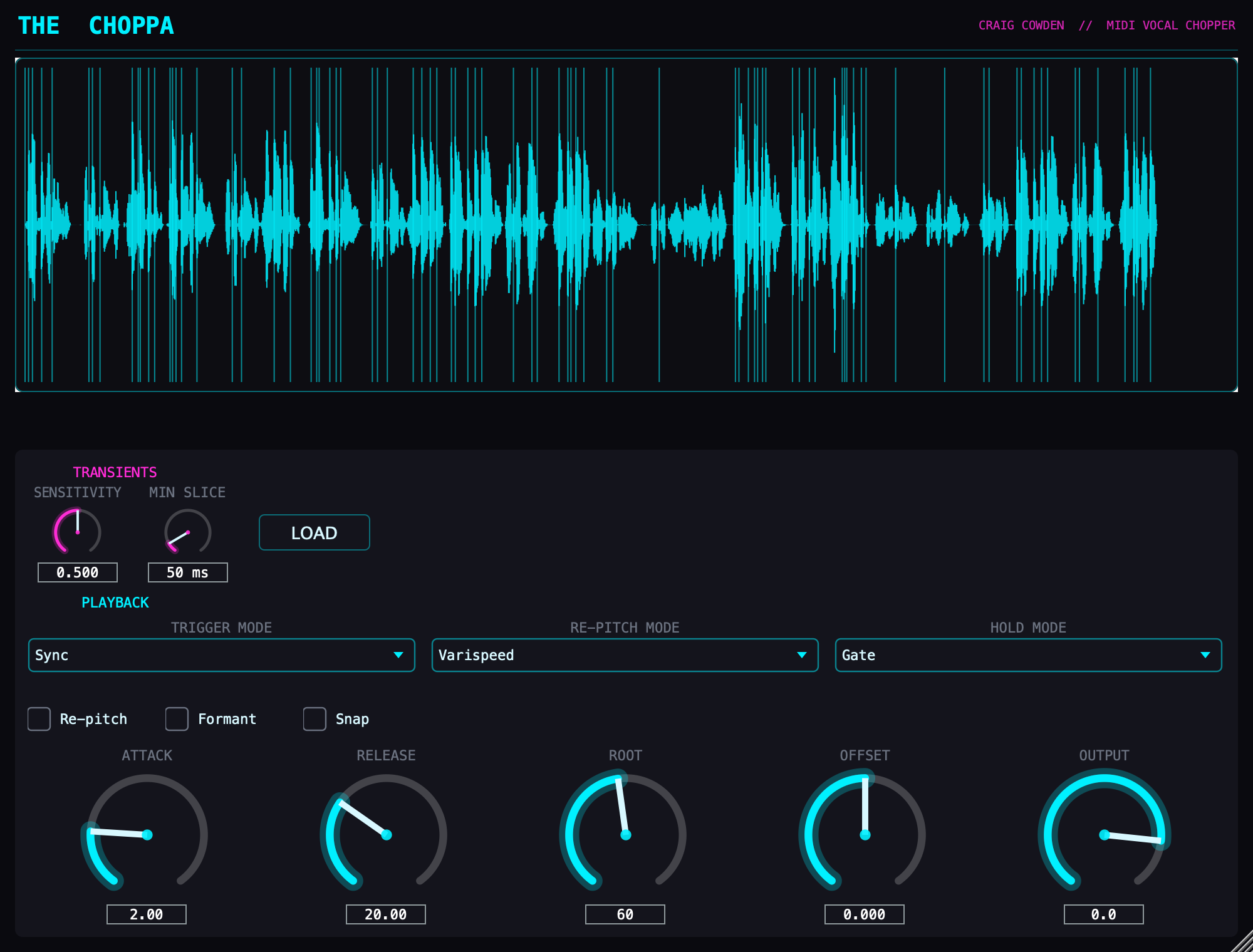 The Choppa turns any vocal into a playable chop instrument. It finds the slice points for you, then your MIDI clip triggers and gates the slices in real time, and can re-pitch them.$14.50$29VIEW →Flutter / Motion FX · Audio EffectThe Featherer
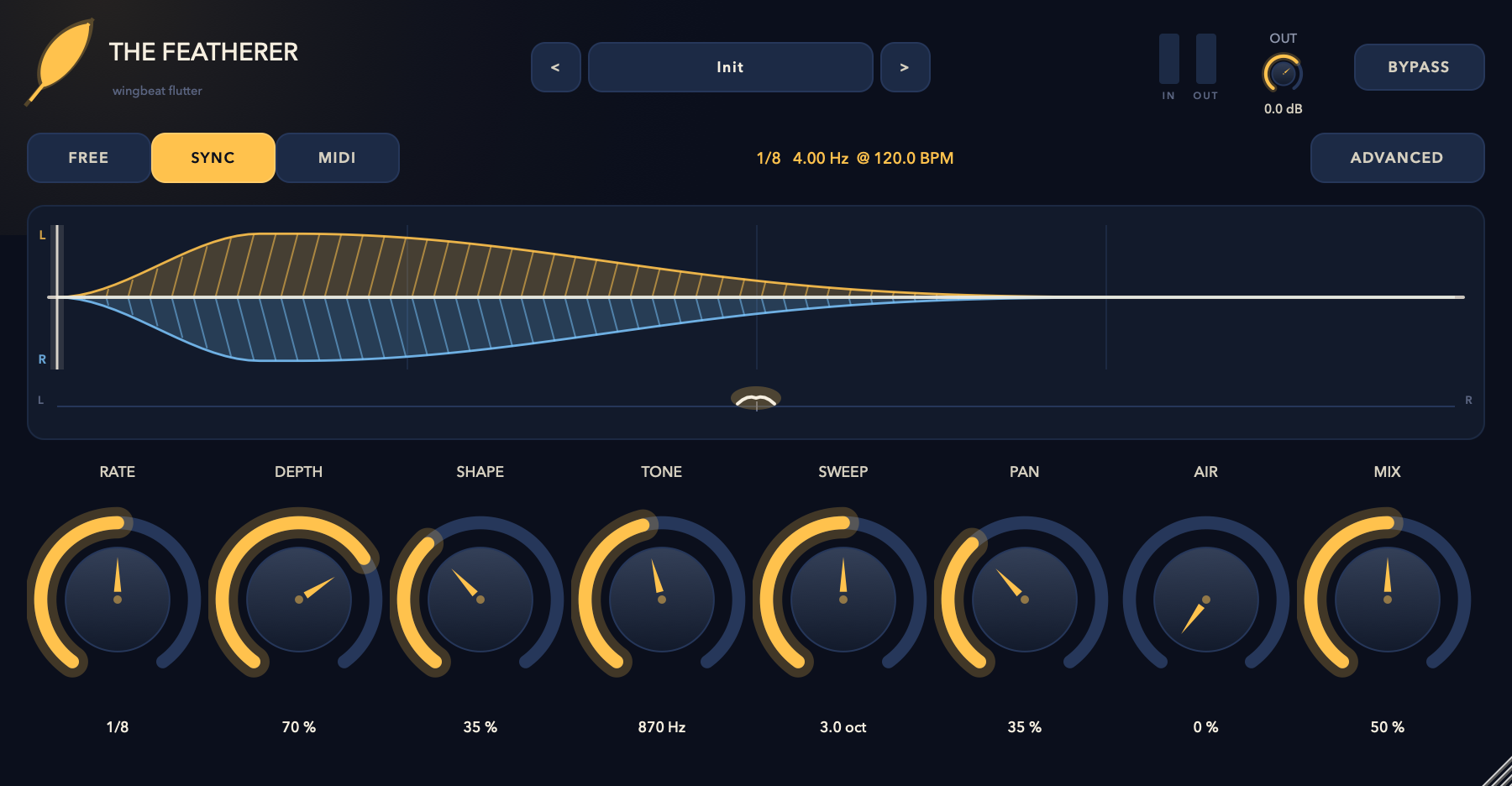 The Featherer makes rapid wingbeat movement — volume, resonant filter, and stereo pan all flapping together from one motion signal. Run it free, lock it to tempo, or fire it from MIDI.$14.50$29VIEW →Rhythmic Motion Effect · Audio EffectRatMotion
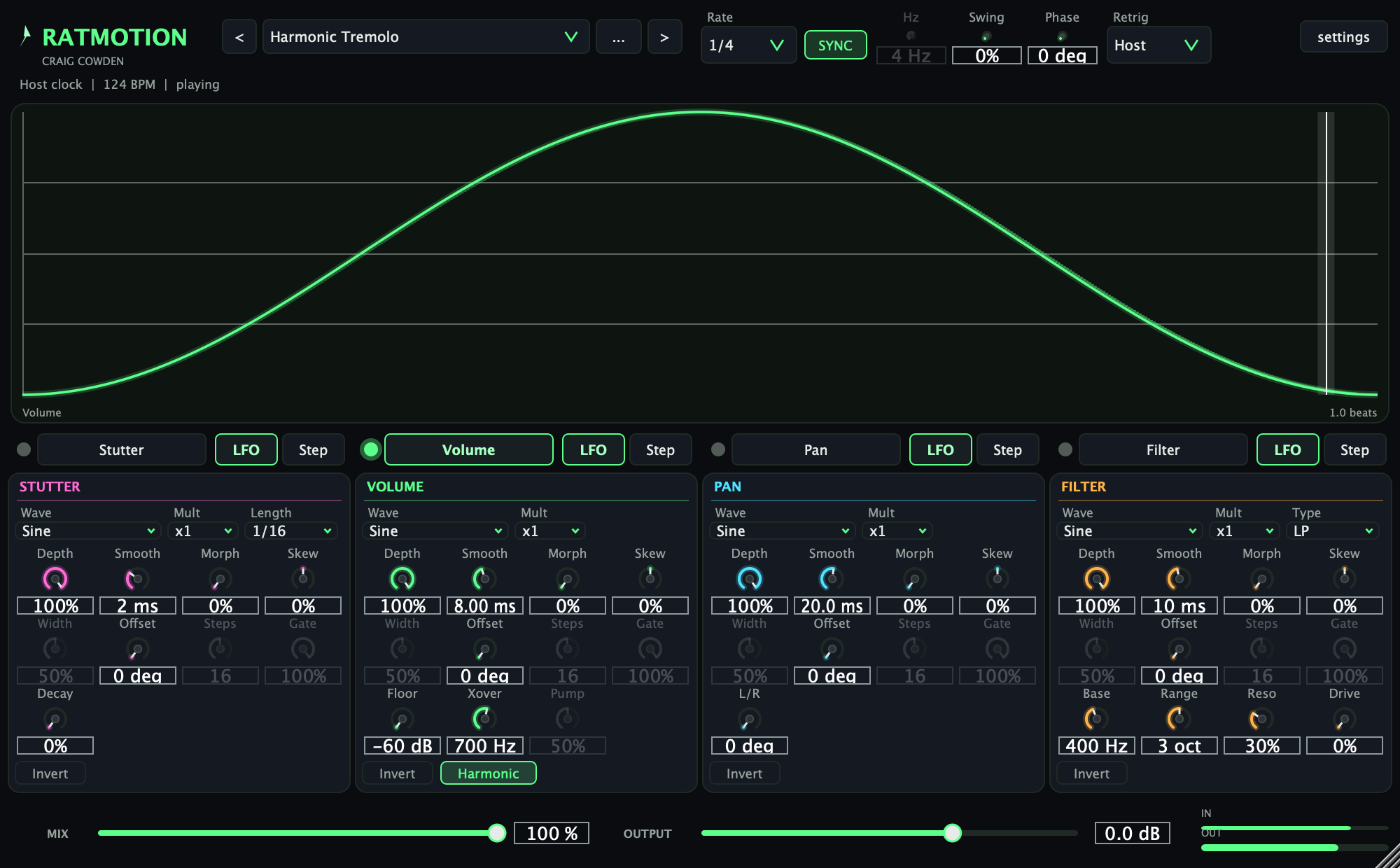 RatMotion gives anything that sustains motion locked to the host clock: four lanes (Stutter, Volume, Pan, Filter), each driven by an LFO wave or a step pattern you draw on an oscilloscope, with swing, MIDI retrigger and a harmonic tremolo mode.$9.50$19VIEW →