Master Clarity · Audio Effect
Sunshine
Makes a master clearer without making it louder.
50% OFF
- Version
- 1.0.0
- Formats
- AU, VST3, Standalone
- Platforms
- macOS & Windows
- Updates
- Free, for life
Instant download · no licence key · free updates
Listen: 3 demos
Tap a pad to listen. Nothing loads until you do.
RATHOUND DP-8
Sunshine
Overview
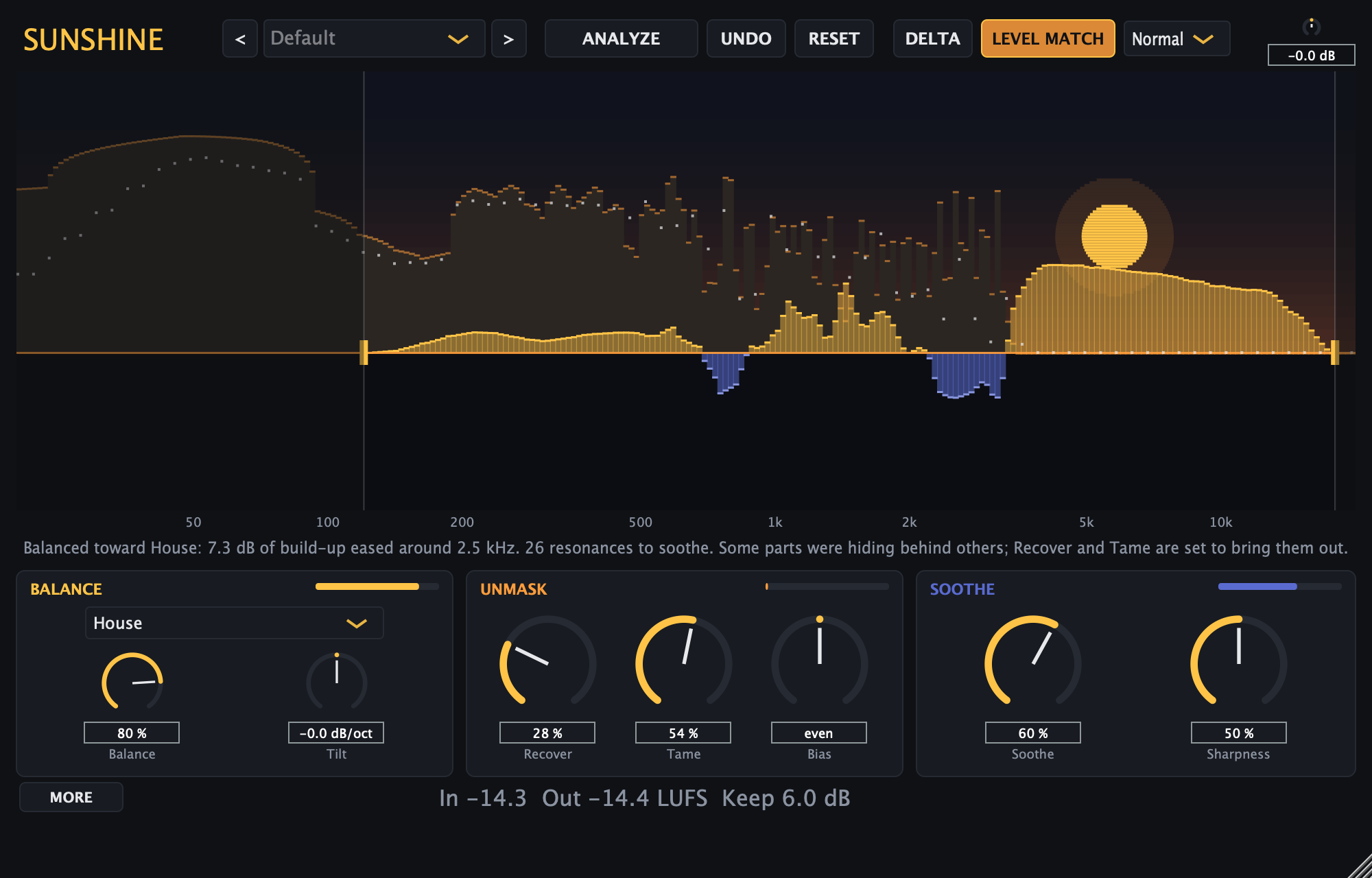
Sunshine goes first on the master, before RatXciter and RatMaster, and does one job: it makes a mix clearer without making it louder. One spectral engine runs three stages on a single gain mask. Balance makes slow, broad moves toward a genre's measured spectrum (the same targets RatMaster uses: bass music, deep dubstep, drum & bass, dubstep, EDM, house and techno) or toward pink noise with a tilt, and it only corrects where your mix sits outside the genre's normal spread. Unmask runs a masking model on the ERB scale: Recover lifts the parts that are hidden, and Tame lowers whatever is hiding them. Soothe is fast, narrow and cut-only, for ringing resonances. A loudness keeper holds perceived level within a fraction of a dB, so a before/after comparison is honest, and the low end below 120 Hz is left alone, with the side kept mono under 150 Hz. The filters are minimum-phase, so kicks keep their attack with no pre-ringing. Press ANALYZE and it listens to 10 to 30 seconds, picks the nearest target, sets every stage and tells you in plain words what it changed; nothing moves on its own afterwards, and UNDO puts the parameters and the preset back in one click. Mid/Side, Mix, Delta (hear only what it changes) and three quality settings are there when you want them. The Golden Hour interface draws your spectrum as dunes in low sun with the target as a dotted line. Fifteen presets, from First Light to genre targets and a transparent Init.
Features
- Three stages on one mask: Balance, Unmask (Recover and Tame) and Soothe
- Genre targets measured from real releases (the RatMaster profiles), or pink noise with tilt
- Loudness keeper: clarity without extra volume, for honest comparisons
- ANALYZE: listens, picks the nearest target, sets every stage and explains what it did; one-click UNDO
- Minimum-phase filters: no pre-ringing in front of kicks
- Low end untouched below 120 Hz, side kept mono under 150 Hz
- Mid/Side, Mix, Delta listen and three quality settings
- Golden Hour UI and 15 factory presets
DIR Sunshine specs
- 01TypeSpectral master-bus clarity processor
- 02FormatsAU, VST3, Standalone
- 03Presets15 factory presets
- 04LatencyFixed per quality setting (1024 to 4096 samples), reported to the host
- 05PlatformsmacOS (universal), Windows (VST3)
v1.0.0 · AU · VST3 · Standalone
New here? The install guide walks through AU / VST3 setup on Mac and Windows.
Same shelf: Finish it loud
All plug-ins →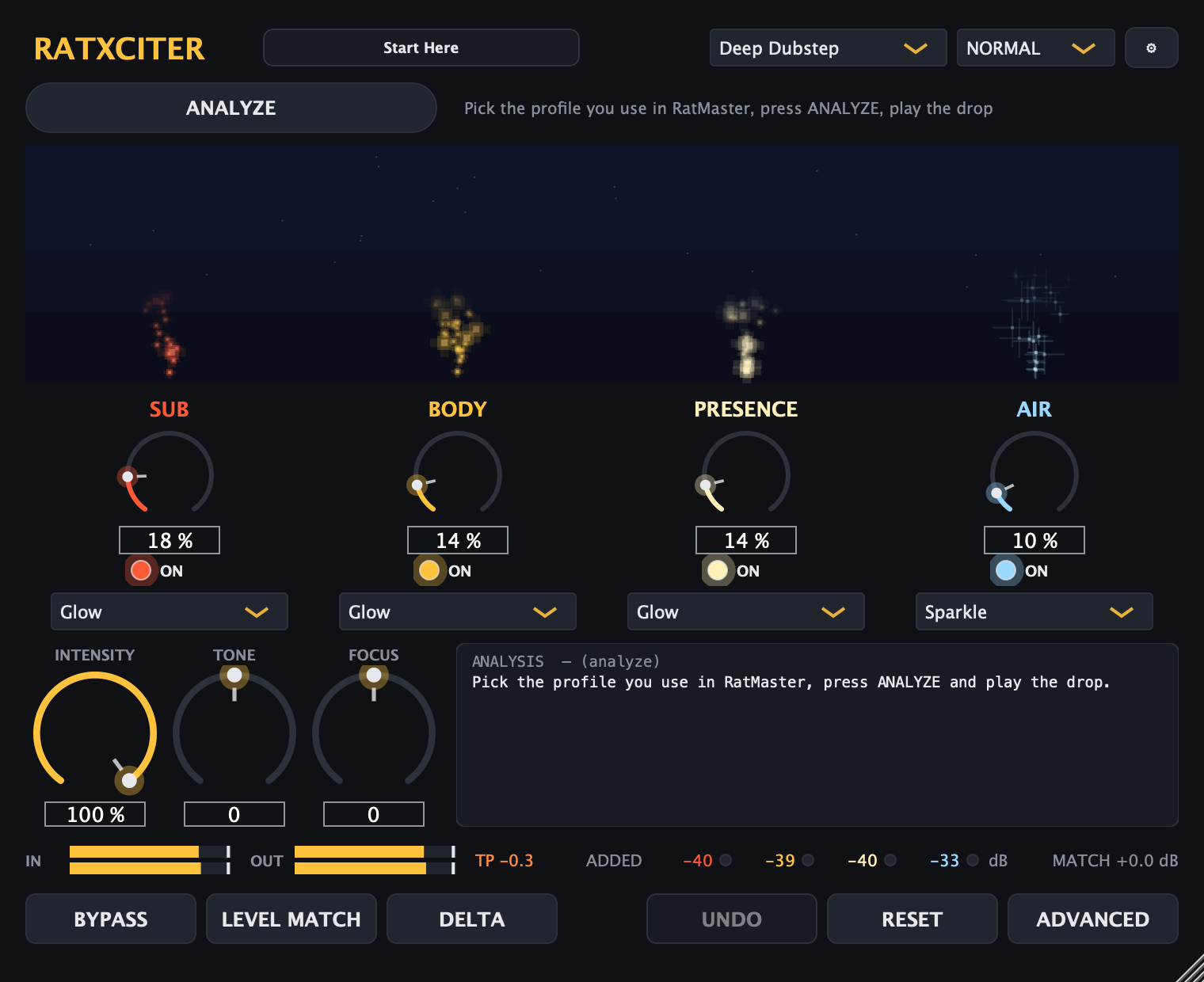 RatXciter is a four-band harmonic exciter built for bass music. It generates new Sub, Body, Presence, and Air harmonics — never an EQ boost — so kicks and subs translate on small speakers and the top end gets air without harshness. ANALYZE sets it against the same genre profiles RatMaster uses.$14.50$29VIEW →Intelligent Mastering · Audio EffectRatMaster
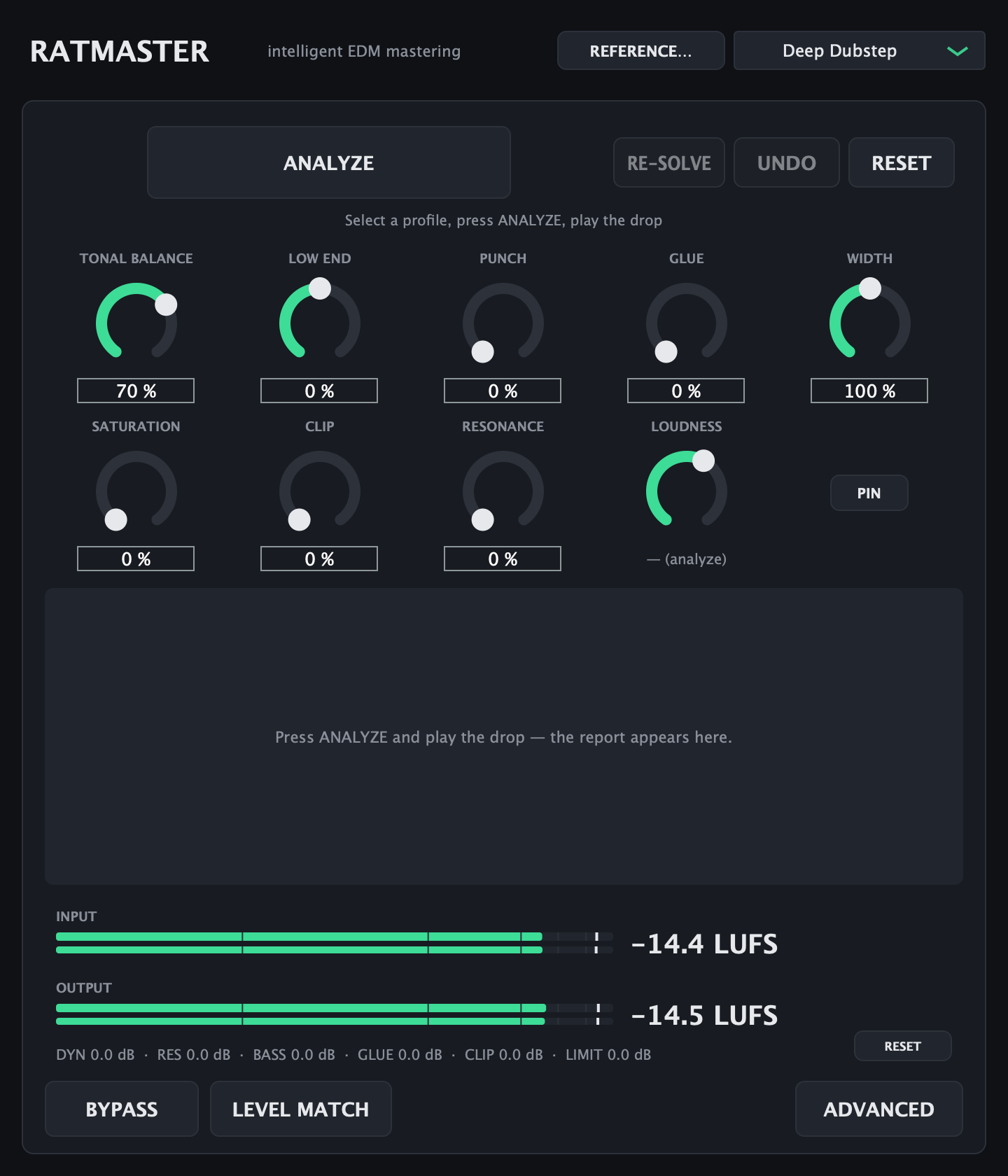 RatMaster is a mastering chain for bass-heavy electronic music. Hit ANALYZE, play the drop, and it sets up EQ, bass control, glue, saturation, clipping, and limiting against a measured genre target — then hands you nine macros to change its mind.$24.50$49VIEW →